


Digital Organization: Managing Double School/Med Records Like a Pro
The notification pings hit your phone simultaneously: “Immunization records needed for both twins by Friday.” Your heart sinks as you realize you’re hunting through three different email accounts, two filing cabinets, and that mysterious stack of papers on the kitchen counter. Sound familiar?
Managing organizing twin paperwork becomes exponentially more complex when you’re dealing with duplicate everything – medical appointments, school forms, insurance claims, and developmental milestones. The sheer volume of documentation for two children can quickly spiral into chaos without a bulletproof system.
The solution isn’t just about going digital – it’s about creating smart, automated workflows that anticipate the unique challenges of twin parenting. Let’s build you a system that actually works.
The Twin Documentation Challenge: Why Standard Systems Fail
Most organizational advice assumes you’re managing one child’s records. With twins, you’re not just doubling the paperwork – you’re managing parallel timelines, cross-referencing medical histories, and ensuring nothing falls through the cracks when both children need simultaneous attention.
The biggest mistake I see families make? Treating twin documentation like two separate filing systems. This creates duplicate work and increases the risk of missing critical deadlines or mixing up records.
Setting Up Your Digital Command Center
Cloud Storage Architecture That Actually Works
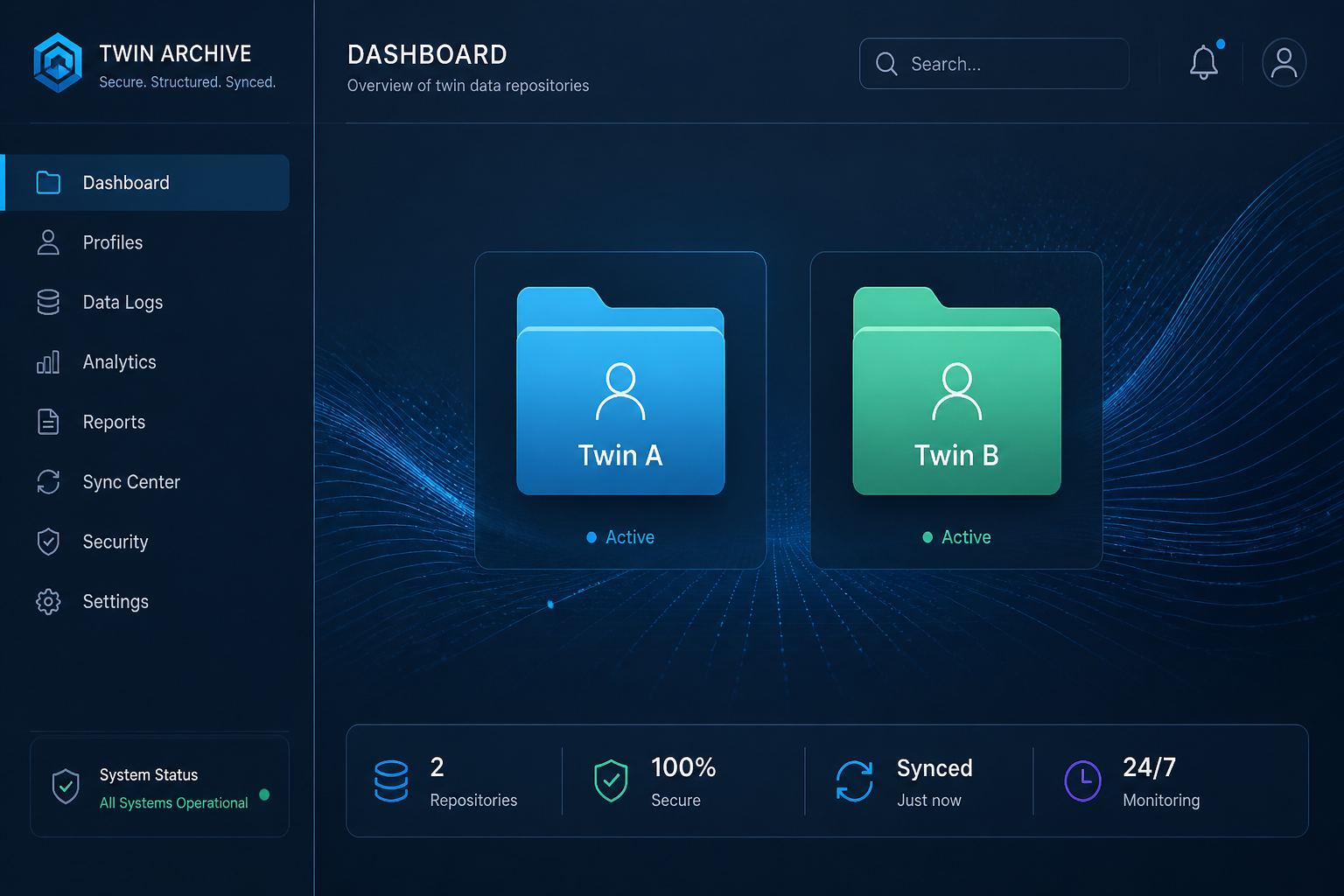
Your foundation needs three primary folders:
– Shared Twin Records (insurance, family medical history, household documents)
– [Twin A Name] Individual (personal medical records, school files, developmental tracking)
– [Twin B Name] Individual (personal medical records, school files, developmental tracking)
Within each individual folder, create consistent subfolders:
– Medical (subdivided by year and provider)
– School (by academic year and institution)
– Insurance & Claims
– Developmental Milestones
– Emergency Documents
The key is identical folder structures for both twins. This eliminates decision fatigue when you’re filing documents quickly.
Document Naming Convention Protocol
Consistency in file naming prevents the dreaded “where did I save that?” moment. Use this format:
YYYY-MM-DD_DocumentType_ChildName_Provider
Examples:
– 2026-03-15_Vaccination_Emma_PediatricianSmith
– 2026-09-01_EnrollmentForm_Liam_LincolnElementary
This chronological system ensures documents sort automatically by date, making timeline reconstruction effortless during emergencies.
Automation Strategies for Effortless Management
Email Integration Systems
Set up separate email folders or labels for each child using your email client’s rules feature. Create automatic forwarding rules that sort incoming messages based on keywords (child’s name, provider, school).
Pro tip: Use a shared family email for all medical and school communications, then set up forwarding rules to your personal accounts. This creates an automatic backup system and ensures both parents stay informed.
Digital Calendar Synchronization
Create color-coded calendar categories:
– Red: Medical appointments (both twins)
– Blue: School events/deadlines
– Green: Individual activities
– Orange: Administrative deadlines (form submissions, insurance renewals)
Set automatic reminders at 1 week, 3 days, and 1 day before any deadline. For organizing twin paperwork effectively, timing is everything.
Medical Records Management: The Safety Net System
| Record Type | Storage Priority | Access Frequency | Backup Requirements |
|---|---|---|---|
| Vaccination Records | High | Bi-annual | Cloud + Physical Copy |
| Growth Charts | Medium | Per Appointment | Cloud Only |
| Allergy Documentation | Critical | As Needed | Cloud + Emergency Kit |
| Insurance Cards | Critical | Weekly | Cloud + Wallet + Car |
| Prescription History | High | Monthly | Cloud + Pharmacy Portal |
Emergency Access Protocols
Create a “Quick Access” folder containing:
– Current insurance cards (both children)
– Recent vaccination records
– Emergency contact information
– Current medication lists
– Known allergies and medical conditions
Save this folder to your phone’s offline storage and keep physical copies in your car and diaper bag. When you’re dealing with twins, emergency situations require immediate access to critical information.
Medical Provider Communication Logs
Track all medical communications in a simple spreadsheet with columns for:
– Date
– Child Name
– Provider
– Issue/Concern
– Resolution/Next Steps
– Follow-up Required
This becomes invaluable when coordinating care between multiple specialists or tracking recurring issues across both children.
School Documentation Mastery
Academic Timeline Management
Schools generate substantial paperwork, and with twins, you’re often managing different teachers, classrooms, or even schools. Create annual academic folders for each child containing:
– Enrollment documents
– Progress reports and report cards
– IEP or 504 plan documentation
– Parent-teacher conference notes
– Permission slips and field trip forms
– Disciplinary records (if applicable)
Communication Tracking Systems
Maintain separate communication logs for each child’s educational team. Document:
– Teacher communications and concerns
– Academic progress discussions
– Behavioral observations
– Extracurricular participation
– Parent volunteer commitments
This historical record proves invaluable during parent conferences or when transitioning between grade levels. Much like managing twins sharing a room requires individual attention within a shared system, academic tracking needs both individual and comparative elements.
Insurance and Financial Document Organization
Claims Management Workflow
Twin families generate significantly more insurance claims. Create a tracking system that includes:
– Claim submission dates
– Expected processing timelines
– Outstanding balances
– Payment confirmations
– Denial appeals (with documentation)
Set up automatic calendar reminders to follow up on claims that exceed standard processing times. Insurance companies rely on families forgetting about pending claims – don’t give them that advantage.
Healthcare Spending Accounts
If you have FSA or HSA accounts, maintain detailed records linking expenses to each child. This prevents tax-time scrambling and ensures you’re maximizing your available benefits.
Track:
– Receipt date and amount
– Child name
– Provider/vendor
– Medical justification
– Account charged
Technology Tools That Transform Your System
Recommended Apps and Platforms
CamScanner or Adobe Scan: Convert paper documents to searchable PDFs instantly. Essential for organizing twin paperwork on-the-go.
Google Drive or Dropbox: Robust sharing capabilities for co-parents and caregivers.
Cozi or Google Calendar: Family calendar management with assignment capabilities.
LastPass or 1Password: Secure password management for all your medical and school portals.
Integration Strategies
Connect your systems wherever possible. Link your calendar app to your cloud storage, set up automatic photo backups from your phone, and use IFTTT (If This Then That) to create workflows that reduce manual data entry.
Example workflow: When you save a document to your “Medical Records” folder, automatically create a calendar reminder to follow up in 30 days.
Maintenance and Quality Control
Monthly System Reviews
Schedule 30 minutes monthly to:
– Archive completed documents
– Update emergency contact information
– Review upcoming deadlines
– Clear out unnecessary files
– Back up critical documents
Annual Deep Cleaning
Annually review and purge outdated documents. Medical records older than 7 years (except vaccination records) can typically be archived. School records from elementary years may only need summary documents retained.
Create an annual “Family Records Summary” document highlighting:
– Major medical events or diagnoses
– Academic milestones and achievements
– Insurance changes
– Emergency contact updates
Similar to how twin closet organization requires periodic reorganization as children grow, your digital systems need regular maintenance to stay effective.
Twin Tactics: Pro-Level Shortcuts
- Batch Processing Power Hour: Designate one hour weekly for all administrative tasks. Process both twins’ paperwork simultaneously to maintain consistency and efficiency.
- The 24-Hour Rule: Any document that enters your house gets scanned and filed within 24 hours, or it goes in the trash. No exceptions, no “I’ll deal with this later” piles.
- Shared Symptom Tracking: When one twin gets sick, immediately start symptom tracking for both. Twins often share illnesses with slight delays, and having comparative data helps providers make faster diagnoses.
- Template Everything: Create email templates for common communications (absence notifications, medication requests, schedule changes). Customize with each child’s name as needed.
- The Nuclear Option Folder: Keep a “Complete Family Records” folder updated quarterly with everything needed if you had to evacuate or change providers immediately. This saved my clients during a recent move when their pediatrician’s office closed unexpectedly.
Disaster Recovery and Backup Systems
The 3-2-1 Backup Strategy
For critical documents, follow the 3-2-1 rule:
– 3 total copies of essential documents
– 2 different storage media types (cloud + external drive)
– 1 offsite location (relative’s house, safety deposit box)
Emergency Access for Caregivers
Create a “Caregiver Quick Reference” document containing:
– Insurance information and card copies
– Medical provider contact information
– Current medications and dosages
– Known allergies and medical conditions
– Emergency contact hierarchy
– School pickup authorization details
Share this document with regular caregivers and update it quarterly.
Legal Document Considerations
Ensure both parents have legal access to all accounts and documents. Set up shared access to cloud storage, medical portals, and school communication platforms. Document your organizational system so either parent can maintain it independently if needed.
Building Sustainable Habits
The most sophisticated system fails without consistent habits. Start with these non-negotiables:
Daily: Scan any new papers immediately upon arrival
Weekly: Process all scanned documents into proper folders
Monthly: Review system effectiveness and make adjustments
Quarterly: Update emergency documents and backup critical files
Remember, organizing twin paperwork is a marathon, not a sprint. Build habits gradually and focus on consistency over perfection.
Your twins will benefit from your organizational systems well beyond childhood. You’re modeling executive function skills and teaching them that important information deserves careful management. The time you invest now pays dividends in reduced stress and improved family functioning for years to come.
The Space-Optimization Strategy
Set up a “Landing Zone” basket near your front door exclusively for twin paperwork that needs immediate attention. Process this basket every 48 hours maximum – it prevents the paper avalanche while giving you a realistic processing timeline during busy periods.
To a more organized home, Jordan